
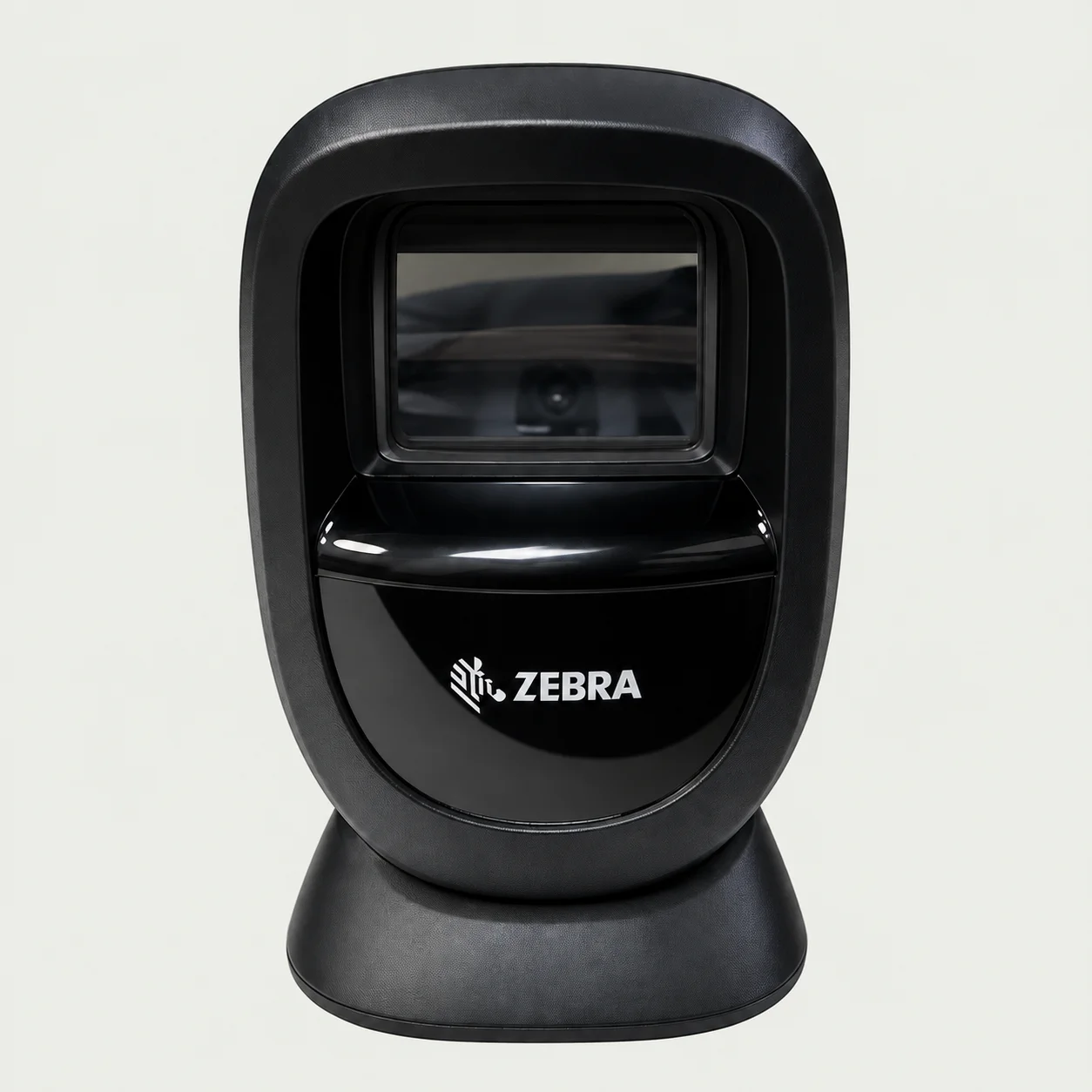
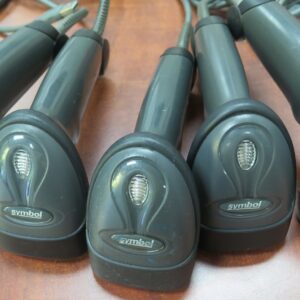
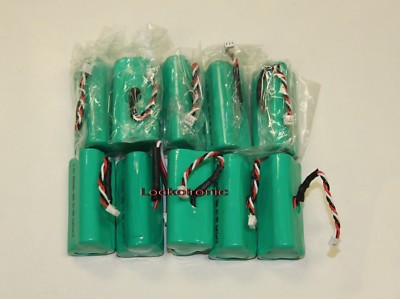
At the counter
A good fit for your checkout setup.
Before choosing a scanner, check your point-of-sale software, connection type, and the barcodes you need to read.
- Exact POS compatibility
- Supported barcode types
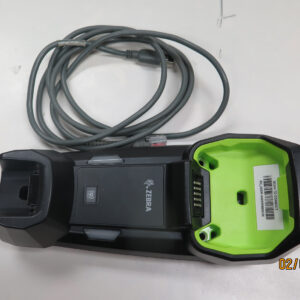
- Cable and stand included
Explore barcode scanners and accessories from Lockotronic Trading in Richmond, BC. Compare models, check the details, and ask us what fits your setup.
Coming to our office? Find the address and open directions before you set off.
Please contact us before visiting to confirm availability or collection arrangements.
The right scanner starts with your setup. Choose a starting point and see what to check.
Before choosing a scanner, check your point-of-sale software, connection type, and the barcodes you need to read.
Compare the space you work in with the model’s connection options. For a wireless setup, check the required cradle, battery, and charging equipment.
Have an existing scanner? Note its full model number and interface, then check which cables, cradles, or power supplies you can reuse.
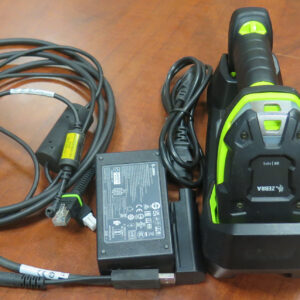
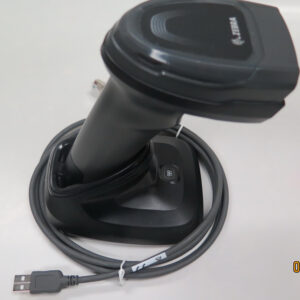
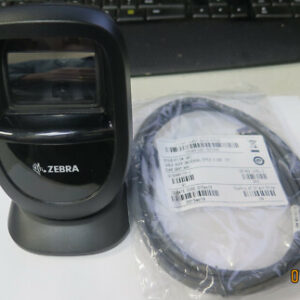
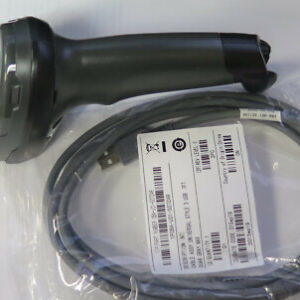
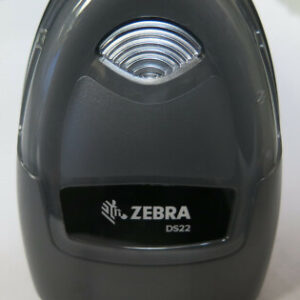
Finding equipment online should feel straightforward. Explore the details, ask the questions that matter, and choose with a clearer picture.
Meet Lockotronic Trading — and Owen, the person behind your next conversation.
Get to know usReal product listings with model details and images to help you compare.
Get in touch about compatibility, accessories, or the product you have in mind.
Browse online, manage your account, or contact us before you order.
Start with your workflow, your barcodes, and the system the scanner needs to connect to.
Read the guide BUYING GUIDE / 02Think about where the scanning happens and how far you need to move.
Read the guide BUYING GUIDE / 03A practical checklist for comparing a scanner listing with the equipment you actually need.
Read the guideCompare the exact model and interface with your computer or point-of-sale system requirements. Check the manufacturer’s documentation and any required cable, cradle, power supply, or software. Send us your system details and the product link if you would like help checking the listing.
Contents vary by listing. Read the product description and examine the photos for the items included. A cradle, battery, cable, or power supply may be sold separately. Ask before ordering if the included items are unclear.
Yes. Use “Ask about this scanner” on a product page, email info@lockotronic.com, or call (604) 303-6776. Include the exact model and what you want to connect it to.
Consider your working area, connection requirements, and included equipment. Check each model’s specifications for its supported interfaces and wireless setup. Our wired-or-wireless guide gives you a checklist.